What to put on it
- A phone number you'll answer, any time. This is the most important line. Use a mobile number rather than a home line.
- A second number, if there's room, in case you can't pick up.
- "Microchipped", if your pet is. It tells a finder to have your pet scanned. Here's how microchips work.
- A short medical note, like "Needs medication", if your pet has a condition. It tells a finder that getting your pet home is urgent.
Your pet's name: your choice
A name helps a finder calm your pet down. Some people leave it off, so a stranger can't use it to claim a pet that isn't theirs. Either is fine.
What to leave off
- Your full home address. It's more than a finder needs, and anyone can read it. A phone number is enough.
- Old details. A number you no longer answer is worse than no tag at all.
- Too much text. Small, crowded lines are hard to read. Keep it short and clear.
Keep the tag working
- Check the engraving now and then. Tags wear down, and a worn number can't be read. Replace the tag when it is.
- Check the ring that holds the tag on. Rings can open and lose the tag.
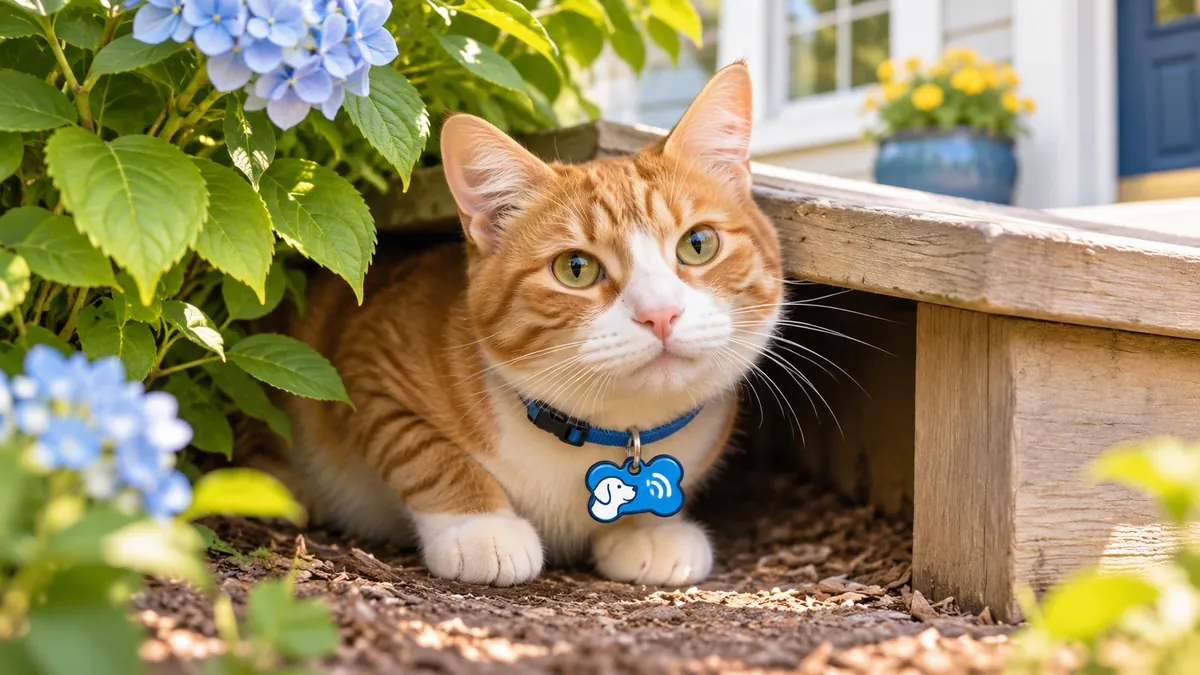
- Check the collar fits: snug, but you can slip two fingers under it. Many cat owners use a breakaway collar.
- Your city or county may also require a license or rabies tag. Keep both on.
What's on a BarkPhone tag
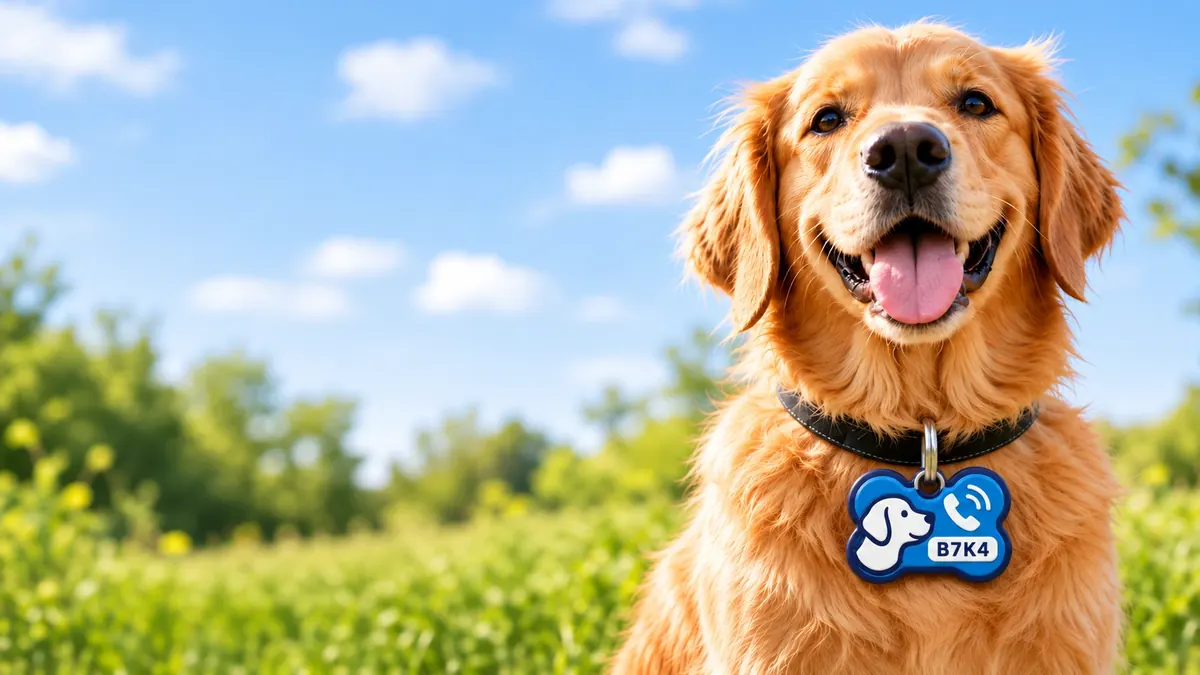
A BarkPhone tag shows your pet's name, the BarkPhone number and your pet's Pet Code. Your own number isn't on it.
- Whoever finds your pet calls the number, and a live BarkPhone team member answers 24/7.
- We reach you, then the recovery contacts you chose, without sharing anyone's phone number.
- When your number or contacts change, update them in your account. The tag stays the same.